
Integrating DAZ Studio Characters into Game Engines
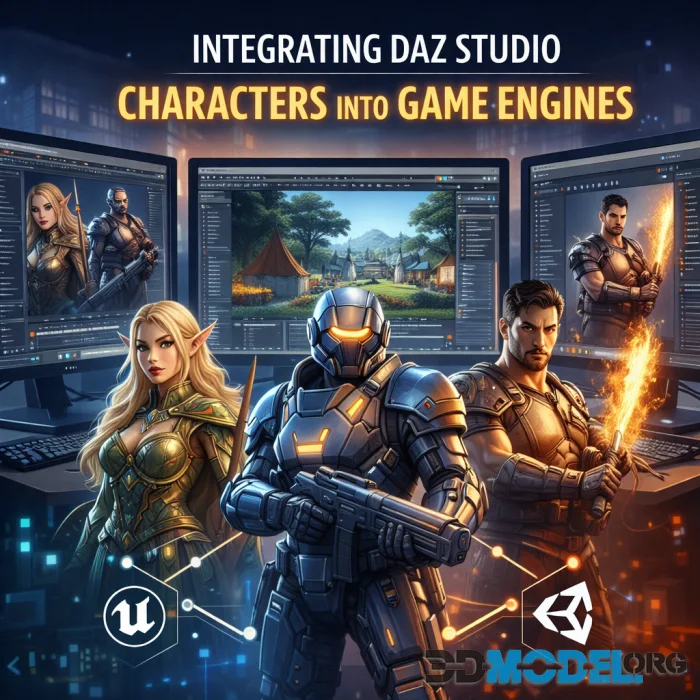
Creating realistic characters in DAZ Studio opens up tons of options for titles. But getting those models into the local engines means dealing with some technical stuff. Today, we’re going to talk about exactly that.
And before we dive in, remember that no single project gets off the ground without good and proper content. That’s why we’ve prepared a huge library of assets for DAZ Studio & Poser: people, animals, fantasy characters, gear, plants, environments assets… You name it, really. On top of that, it’s made exclusive to be used in DAZ, totally free, and no registration’s needed.
What You Got to Know When Moving Characters from DAZ to Game Engines
First up: prep your model. That said, DAZ characters often have high-poly meshes and some sort of sluggish materials, which can tank game performance. That said, use retopology. Or just simplify things to cut down the poly count. Also, check the skeleton, as game engines have bone limits, so you might need to merge or ditch extras.
Textures and materials need love too: DAZ’s shader system doesn’t always play nice with game engines. So, you’ll probably want to convert textures to PNG.
We’re not totally sure which game engine you’ll pick. But it’ll probably be either Unity or Unreal. If we guessed right, for Unity, stick with URP or HDRP shaders. And for Unreal, go with PBR. Just a little hint to consider.
Lastly, aim to export everything in a compatible format (FBX or OBJ, that is), and make sure UVs and skin weights stay intact. Once imported, double-check the skeleton and skinning – to avoid the weird deformations.
Common Mistakes When Prepping Models
Now, let’s talk about where things usually go wrong.
Messy Content Library
If your files are all over the place, good luck finding anything. That said, do always organize folders – it’ll save time and cut down on errors.
Boring Lighting
Default lighting makes renders look flat and textures blah. So try HDRI. Or three-point lighting – to add depth and kill all that ‘plastic’ vibe.
Going Overboard with Morphs
Too many extreme tweaks turn your character into an alien. Stick to natural proportions unless you want them to look uncanny.
Stiff Poses
Perfect symmetry = mannequin territory. We recommend to shift the weight, add some asymmetry here and there, and throw in some expression – to make it all feel alive.
Loading Assets Without Selecting a Figure
Forgetting to pick your character first means clothes or hair might spawn in nowhere-land. Always select the figure or use ‘Fit to’ to skip severe cleanup headaches.
Clipping Issues
If the skin poking through clothes, try tweaking the collisions. Or adjust anti-aliasing to fix it. That’ll work just fine too.
Bad Camera Angles
Wide-angle lenses warp faces, and random clutter kills focus. Stick to 80-100 mm for portraits (if any) and plan your shots.
No Backups
If your file corrupts, hours of work may vanish. Do always save the incremental versions so you can always roll back.
Ctrl
Enter
Noticed a misTake
Highlight text and press Ctrl+EnterRelated news:

Comments (0)
Information
Users of Guests are not allowed to comment this publication.
Users of Guests are not allowed to comment this publication.